
Today I found an email with an SVG attachment in my secondary email account. The account is Office 365 and the email was not in spam, this is not good, especially considering how much 365 costs! Anyway, back to the email, it was clearly suspicious also considering the attachment, an svg file with the name “Your-to-do-List.svg” supposedly sent to me by itself.

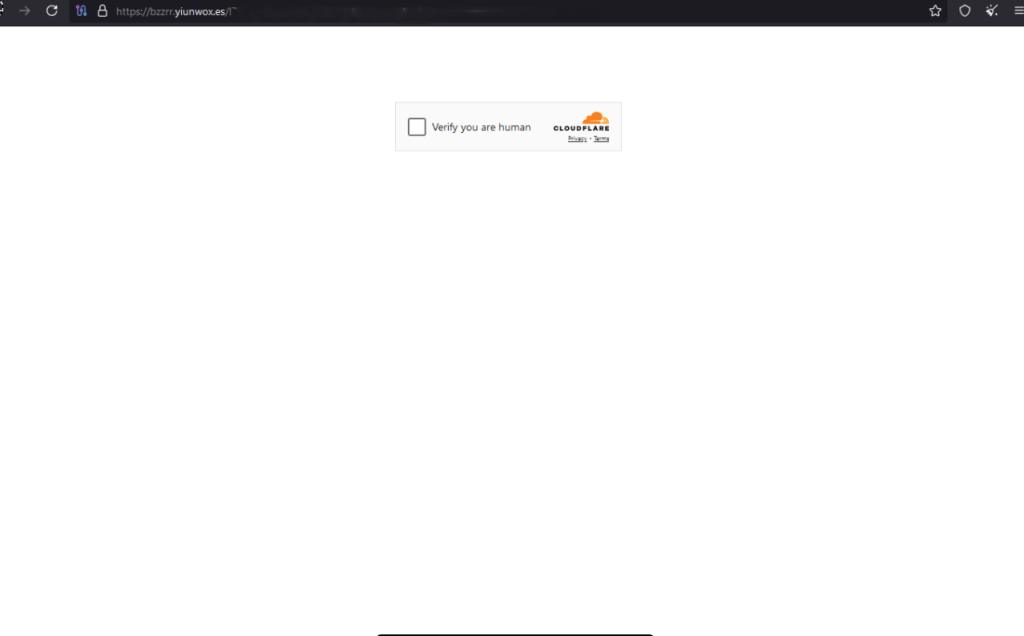
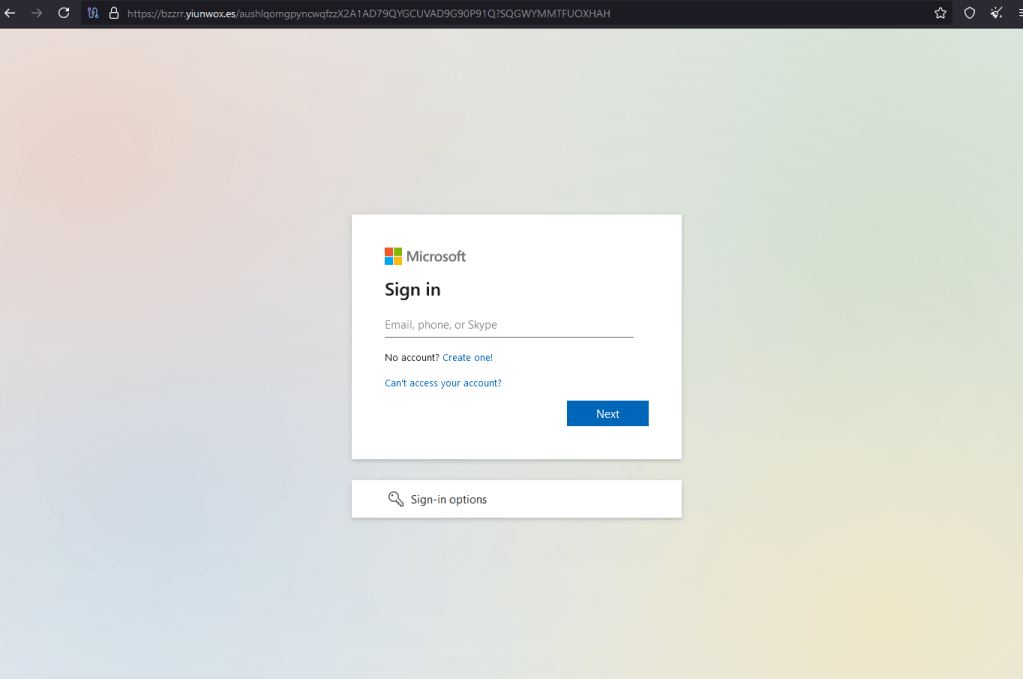
I immediately downloaded the file and opened it with Notepad++ (all this without the antivirus having anything to say about it…), inside there was a script that through a simple algorithm made a redirect to a phishing site with the aim of stealing the credentials of the same Office 365 account.

The target URL is: hxxps://bzzrr[.]yiunwox[.]es/!7ijf9v9ehpNFEKt/$
When I tried to forward the message to my Gmail account, Google’s mail server correctly returns an error 🙂

As always, avoid downloading and opening attachments if you are not sure of the source.
 Emiliano Carlesi's blog